



Rollambia Mobile Platform
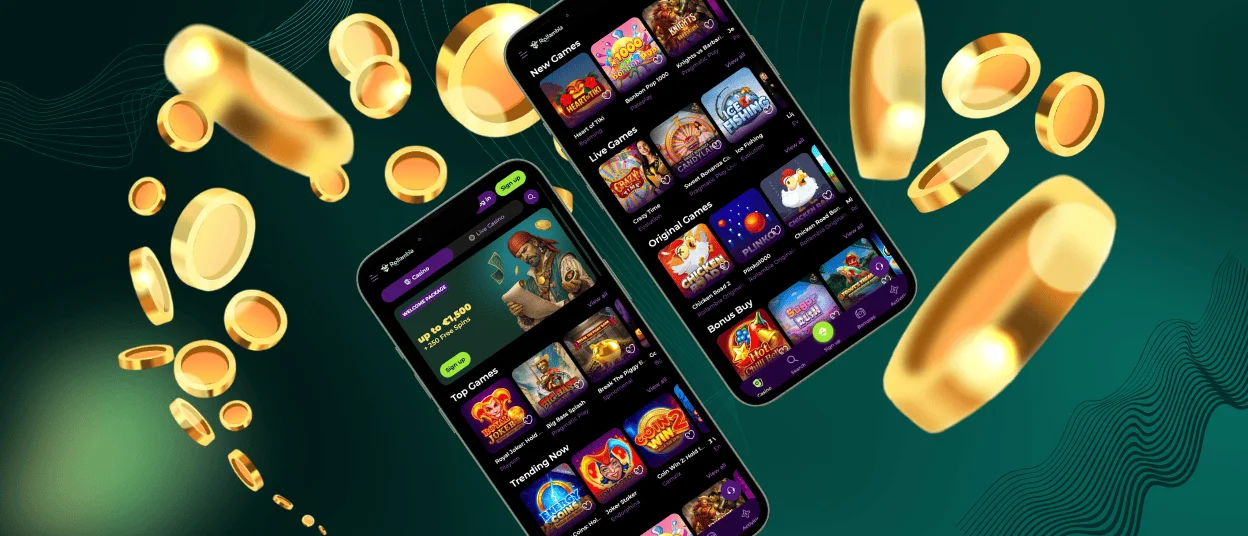
The Rollambia app works on mobile devices with a focus on smooth functionality. It provides access to the platform’s game library including slots, table games, scratch cards, and live dealer options. The mobile version maintains security standards while keeping the interface straightforward for touchscreen navigation.
Players can access their accounts, manage deposits, and play games from their phones or tablets. The app supports modern mobile technology to ensure gameplay runs properly across different devices.



Using Rollambia on Mobile
The dedicated app offers some advantages over browser-based play. Loading times tend to be faster, and performance stays more consistent since the app is optimized specifically for mobile hardware. Navigation works smoothly with touch controls, making it easier to find games and adjust settings.
Security features include transaction alerts and login notifications to help protect your account information. The app generally experiences less lag compared to mobile browser play, with fewer interruptions during sessions.
You’ll find features like account verification, live chat support, and real-time game syncing built into the app. This means you can handle deposits, contact support, and manage your account without switching between different applications. The interface adapts to various screen sizes on smartphones and tablets.
Key points about the Rollambia app:
- Account management, deposits, and support access all work within the app itself
- Performance stays more stable compared to mobile browser play
- The interface adapts to different phone and tablet screen sizes for easier use
- Data protection measures are built into the app structure
Rollambia Android Mobile App
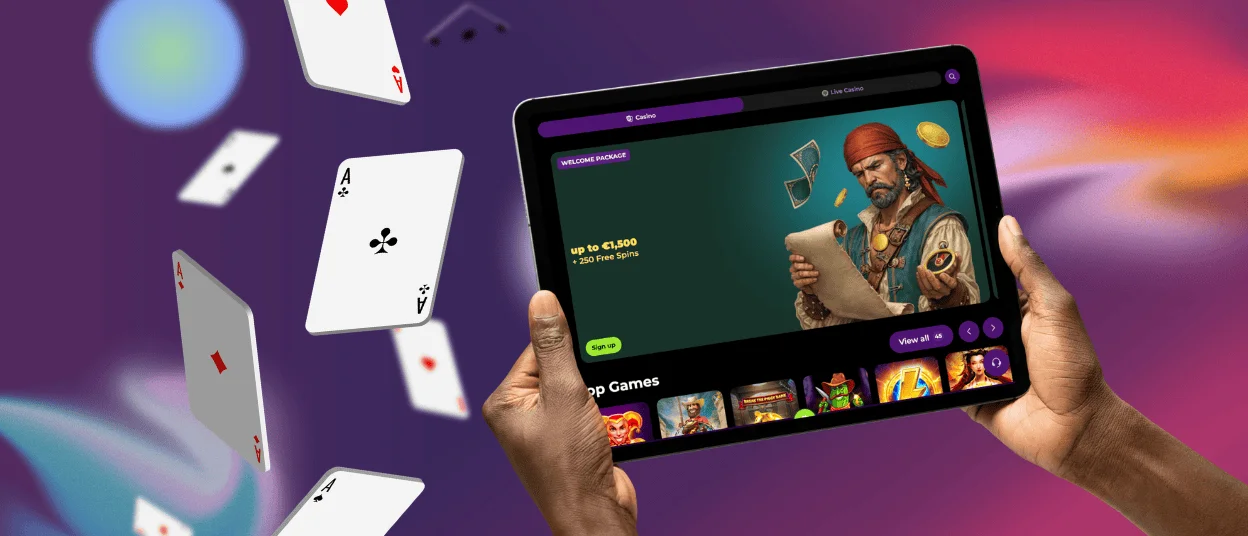
The Android version of Rollambia uses progressive web app (PWA) technology rather than traditional APK files. This approach skips the need to download large installation files directly to your device, making the process simpler and potentially more secure.
You can access the PWA through Android browsers like Firefox or Chrome. Adding it to your home screen takes one tap, and then it functions similarly to a standard app. Load times are quick, and some features work offline.
Since it’s not an APK, updates happen automatically through your browser. You won’t need to manually download new versions—the app stays current with new features and security improvements on its own. The PWA format uses less storage space, which helps on devices with limited capacity. All core functions work on the PWA, including verification, secure transactions, and live chat.
Rollambia iOS Mobile App
iOS users can access Rollambia through mobile browsers like Safari. You can add the platform to your home screen for quicker access. Here’s how:
- Find the footer section on the site
- Tap the “Casino App” button to start installation
- Once installed, it functions like a regular app
After setup, you get full access to the game library, account management, and live chat. The web-based app provides a secure experience similar to the desktop version. Features include real-time game sync, secure deposits, and account verification. The design adjusts to iOS devices for smooth gameplay.
Windows and macOS applications
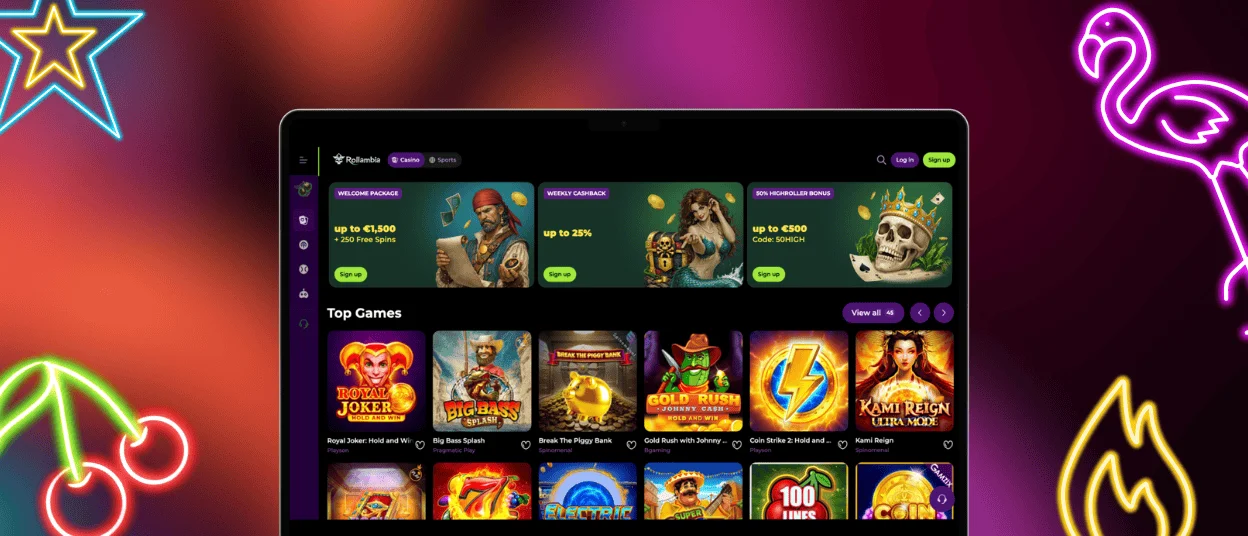
Desktop users on Windows or macOS can access Rollambia without installing separate software. The platform works through your browser with the option to create desktop shortcuts:
- Mac users: Use Safari or Chrome, then select the menu option to “Add.”
- Windows users: Open your browser, navigate to the Rollambia homepage, click the three-dot menu, and choose “Add to Desktop.”
| Feature | Desktop Version | Benefits |
| Gaming Experience | Enhanced with detailed graphics and straightforward navigation | High-quality visuals and a user-friendly interface |
| Live Chat Services | Available | Immediate support and assistance |
| Secure Account Management | Yes | Protects user accounts and financial information |
| Verification Procedure | Prior to withdrawal | Ensures security and proper account management |
FAQ
How can I update the Rollambia Casino app?
The Rollambia app, particularly the PWA version, updates automatically through your browser. This means you’ll always have current features and security patches without manual intervention. Desktop shortcuts connect to the latest online version, so they don’t require separate updates. The update process happens in the background without reinstallation.
Does the Rollambia Casino app offer customer support?
Live chat support operates within the app, giving you direct access to the support team. The 24/7 availability means you can get help with technical problems or account questions at any time, regardless of your time zone.
Is creating an account required to use the Rollambia app?
You’ll need an account to access the full game range, manage deposits, and complete verification. Registration works either through the app or the website. The app interface often makes the signup process quicker than using a desktop computer.


